Snippets
Write recurring texts once
Snippets are reusable texts for introductions, conditions, closing texts, and emails. You write them once and insert them wherever you write text in Erdikon.
Free for up to two users. No credit card required.
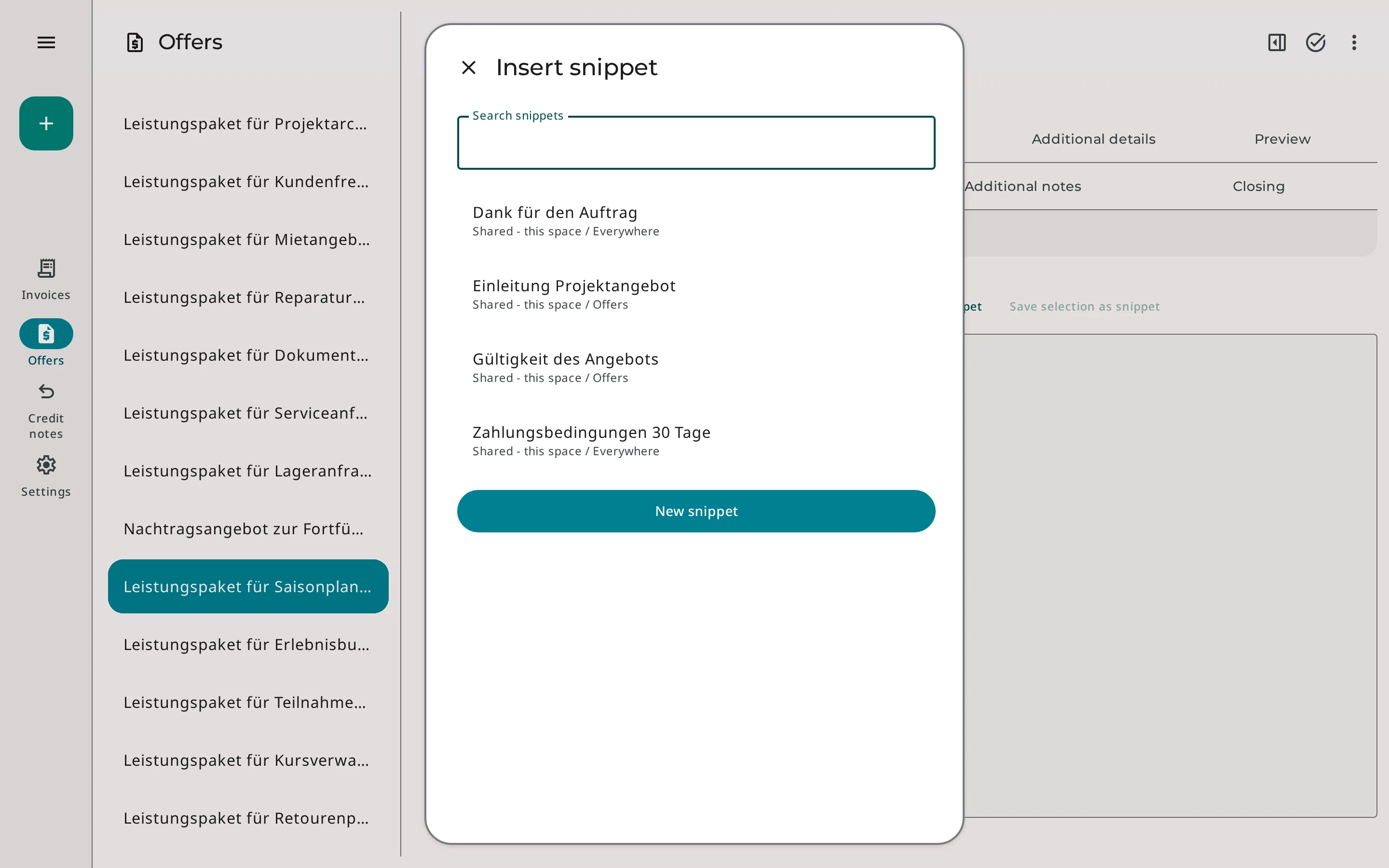
Insert & save texts
In the text editor, «Insert snippet» opens the selection, where you search for the right snippet and insert it at the cursor. Formatting such as lists or emphasis is preserved.
When you have written a text you will need again, you select it and choose «Save selection as snippet». This way, snippets come about while you work.
Where you use snippets
- Introductions and closing texts of quotes & invoices
- Conditions and notes
- Email templates
Personal or shared
Personal snippets
Only you see them. They suit your own wording, such as your personal sign-off.
Shared snippets
All members of a Space use them, so the whole team writes with the same wording.
With the scope, you decide whether a snippet is available everywhere or only in quotes. This keeps the selection in each editor clear.
Default texts for new quotes
For each Space, you set one shared snippet as the default for each text field of a quote. Every new quote then starts with these texts, and you only adjust what is different.
Erdikon copies the text when the quote is created. If you change the snippet later, existing quotes stay unchanged.
Default texts are available for
- Introduction
- Conditions
- Notes
- Closing text