Invoicing
Quotes, invoices & payments in one place
With Erdikon Invoicing, you create quotes, invoices, and credit notes, let customers accept quotes online, and keep track of outstanding payments.
Free for up to two users. No credit card required.
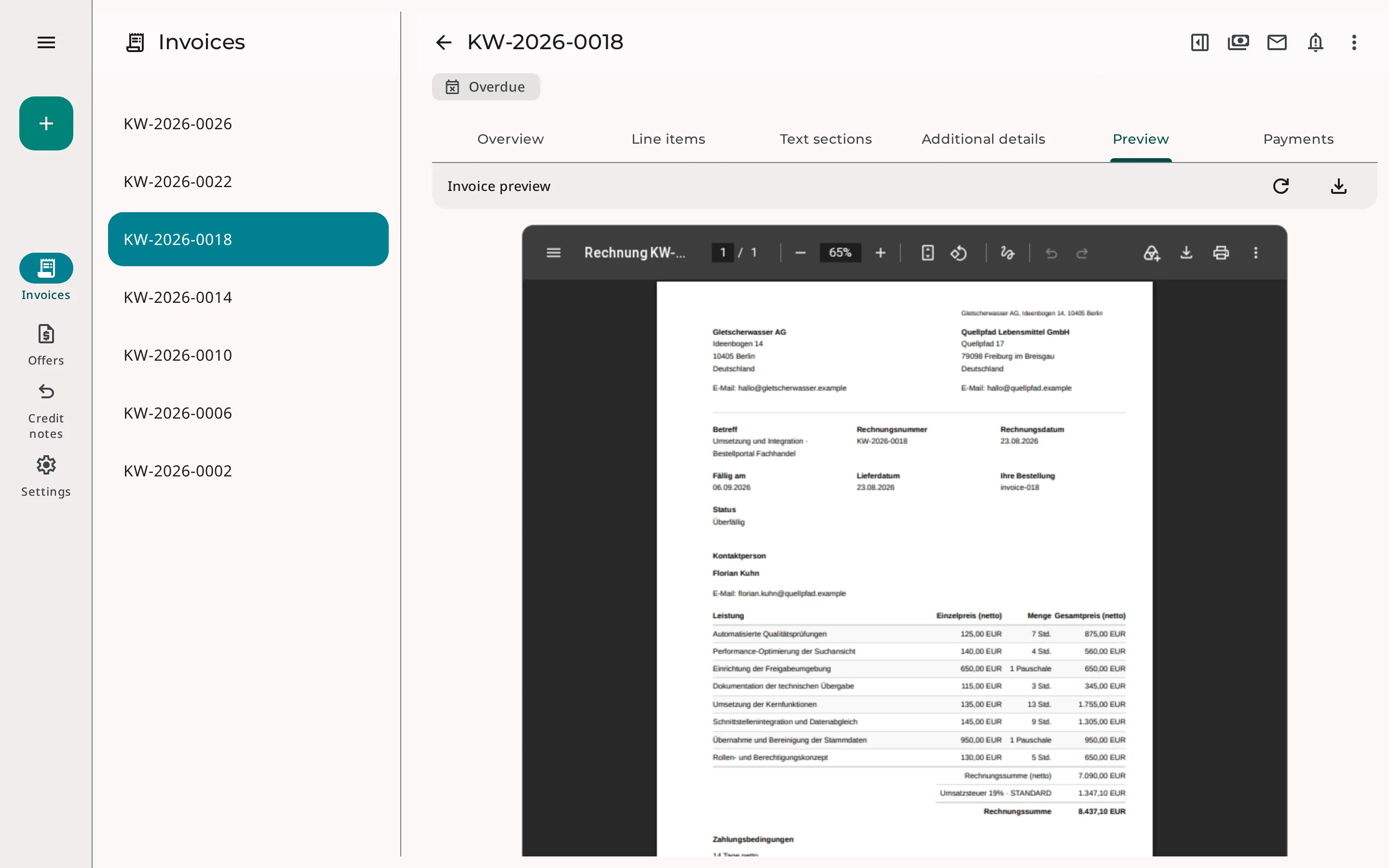
From quote to payment
- Create a quote You take line items, prices, and VAT rates from your master data.
- Get it accepted online Customers accept or decline the quote through a personal link.
- Issue the invoice You turn the quote into an invoice and send it by email.
- Record the payment You record incoming payments on the invoice. If a payment is late, you send a reminder.
Quotes accepted online
You send a quote by email, with the PDF attached if you like and always with a link to a personal quote page. There, your customers see the quote together with your terms and privacy statement. They accept it with their name and, optionally, a drawn signature, or decline it.
As soon as a decision is made, you receive an email. You also see when the link was last opened.
What Erdikon records
- The decision and its time
- Name and optional signature
- The quote PDF
- Terms and privacy statement in the version that applied when the quote was finalized
Everyday invoicing
Deposits
For larger projects, you create a deposit invoice from a quote for a percentage or a fixed amount.
Credit notes
You correct issued invoices with a credit note.
Recurring invoices
For subscriptions, maintenance contracts, or rent, Erdikon creates a draft on each due date that you review and send.
Payments & reminders
You record payments and refunds on the invoice. Overdue invoices stand out in the overview right away.
Discounts & terms
Discounts on line items or the whole invoice, multiple VAT rates, and payment terms with due dates are all included.
Four languages
You create quotes and invoices in German, English, French, or Italian.
Swiss QR bills & e-invoices
Swiss QR bills
Invoices to recipients in Switzerland automatically receive a QR payment part. With a QR-IBAN, each invoice gets its own QR reference without you having to assign it.
ZUGFeRD & Factur-X
You send issued invoices as e-invoices. The PDF also contains the invoice data in machine-readable form, so accounting software can import it without retyping.
Work with AI assistants
Through the Model Context Protocol (MCP), AI assistants work with your quotes, invoices, and credit notes. They read documents, create drafts, record payments, and send documents by email. This lets you handle routine work with a simple request.
The assistants always act with your permissions and, if you prefer, get read-only access.
Example requests
«Which invoices are overdue?»
«Create a draft invoice for Example Ltd. for eight hours of consulting.»
You can find out what else AI assistants can do in Erdikon on the page «AI Assistants».
Frequently asked questions
Do I need a QR-IBAN for Swiss QR bills?
No. With an ordinary IBAN from Switzerland or Liechtenstein, your invoices get a QR payment part without a reference, in Swiss francs or euros. You only need a QR-IBAN if every invoice should automatically get its own QR reference. This works for invoices in Swiss francs.
Can I send invoices to customers abroad?
Yes. Recipients outside Switzerland receive an invoice without a QR payment part. Reverse-charge invoices are possible as well. For the e-invoice, you add the VAT numbers of both parties.
Which currencies can I invoice in?
In addition to Swiss francs, euros, US dollars, and British pounds, Erdikon supports other European currencies, such as the Danish, Norwegian, and Swedish krone. All amounts in a document use the same currency. Invoices to recipients in Switzerland use Swiss francs or euros, because the QR payment part only supports these currencies.
Can I change an issued invoice?
No. Issued invoices stay unchanged so they match what your customers received. To correct one, you cancel it with a credit note for the open amount and issue a new invoice if needed. You can edit drafts at any time.
Part of the Erdikon platform
Master Data
You maintain customers, products, services, and VAT rates once and use them in every document.
Learn moreLegal Documents
Terms and privacy statements are versioned and attached to quotes in the applicable version.
Administration
Roles and permissions define who can view, edit, and send documents.