Webhooks
Notify other applications automatically with webhooks
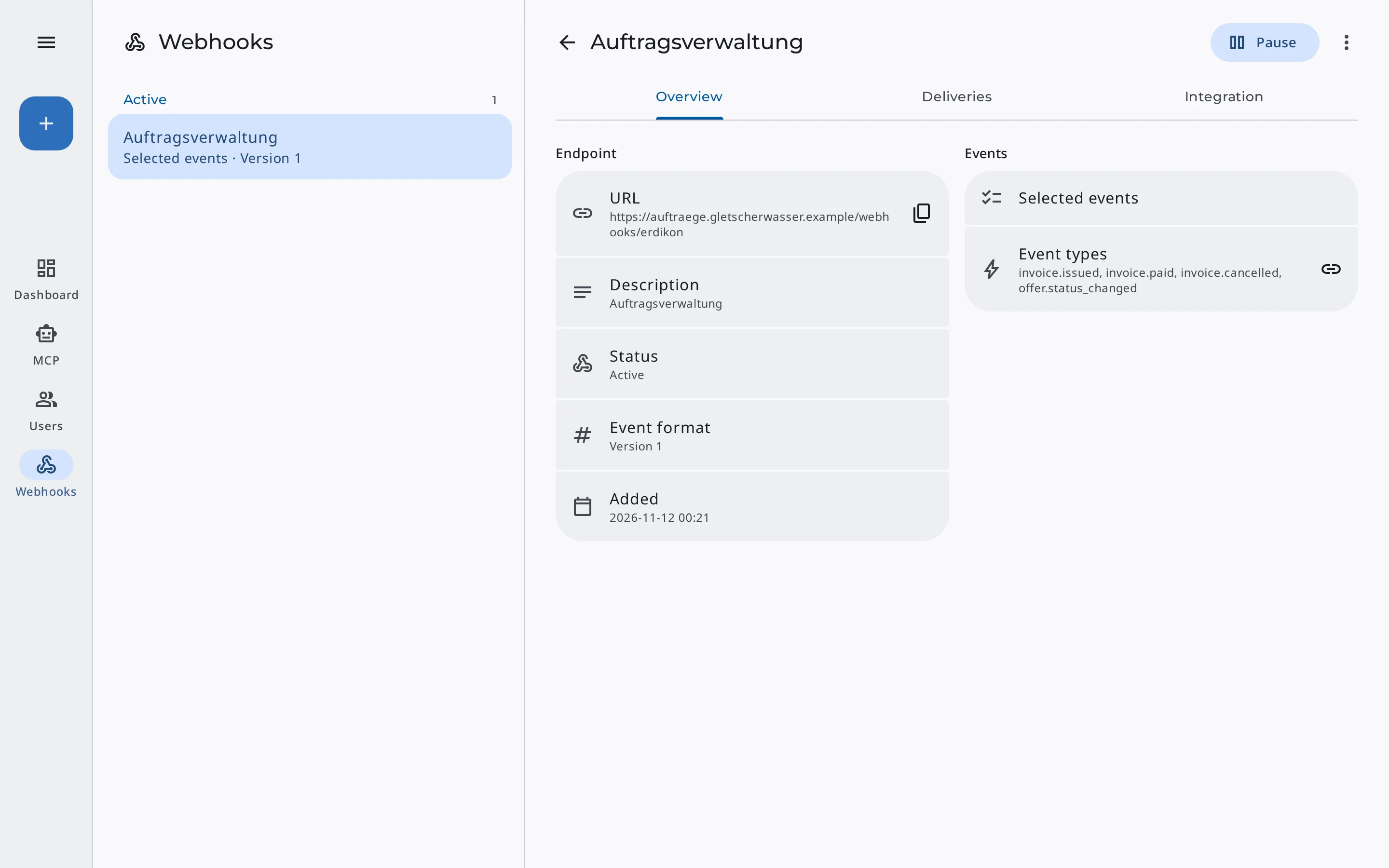
Webhooks tell another application within seconds what happens in Erdikon, for example when an invoice is paid or a quote is accepted. It can react right away, without anyone transferring data by hand.
Included in the Pro and Unlimited plans, from €7 per user and month.
Automated workflows
Notify your team
When an invoice is paid or a quote is accepted, the receiving application can notify your team right away.
Trigger next steps
When customers accept a quote through their personal link, your project management tool can create the order right away. Once an invoice is paid, an online shop can unlock the service that was ordered.
Keep data in sync
Erdikon reports new records, changes, and status changes. You can use this to keep a revenue overview or another system up to date.
What each event contains
Each event contains the affected record as it was after the change, for an invoice such as its number, status, amounts, and dates. The receiving application therefore needs no access to Erdikon to react to it.
For each webhook, you choose whether it receives all events or only specific ones, such as paid invoices only. With «All events», it also receives events that become available later, for example from new applications.
Events Erdikon sends
- Events from all applications in a Space
- New & changed records
- Status changes such as issued, paid, or accepted
Reliable delivery
Complete & in order
Events arrive in the order in which they happened. If the receiving application does not accept one, Erdikon delivers it again automatically before the next one follows.
Spot problems early
If delivery keeps failing, the owners receive an email. Under «Deliveries», you see every attempt of the last 30 days.
Stable across updates
A webhook keeps the data format it was set up with. Erdikon updates at most add new details and never change existing ones.
Verifiable authenticity
Erdikon signs every event following the open Standard Webhooks specification. With existing libraries, you can use this to check that an event really comes from Erdikon.
Control over your data
A webhook sends business data to another application. That is why only the owners of the Space or the organization can set it up and change it, and it receives only the events of its own Space.
If a webhook should send to a new address or receive other events, you confirm this with your password or passkey.
How you stay in control
- Only events of its own Space
- Only owners set up webhooks
- Confirmation with password or passkey
- Encrypted over HTTPS only
- Pause or delete at any time
Frequently asked questions
Which applications can receive webhooks from Erdikon?
Any application that accepts webhooks at a publicly reachable HTTPS address, such as an automation service or your own script.
What happens if the receiving application is down for a longer time?
Erdikon keeps trying to deliver for up to 72 hours. After that, it disables the webhook and notifies the owners by email. When you enable it again, it catches up on the missed events.
Where do developers find the technical details?
Right in Erdikon. The details of each webhook describe the structure of the requests, how to verify the signature, and the delivery rules. Under «Event types», you see the fields of each event.
Does Erdikon also send changes to master data?
Not for now. Webhooks send the events of all applications in a Space. Master data, however, can be available in several Spaces, and a webhook would miss changes made in the other Spaces.
Do webhooks also work when self-hosting?
Yes, your own installation sends webhooks just like the Erdikon cloud. There, too, the receiving application must be reachable at a public address. Erdikon rejects addresses in the local network.
Used in
Invoicing
Quotes, invoices, and credit notes report their changes to other applications.
Learn moreProjects
New, changed, and deleted projects report their changes to other applications.
Learn moreProject Time
New, changed, and deleted time entries report their changes to other applications.
Learn moreExpenses
Expenses report their changes, including new payments and when an invoice bills them.
Learn more